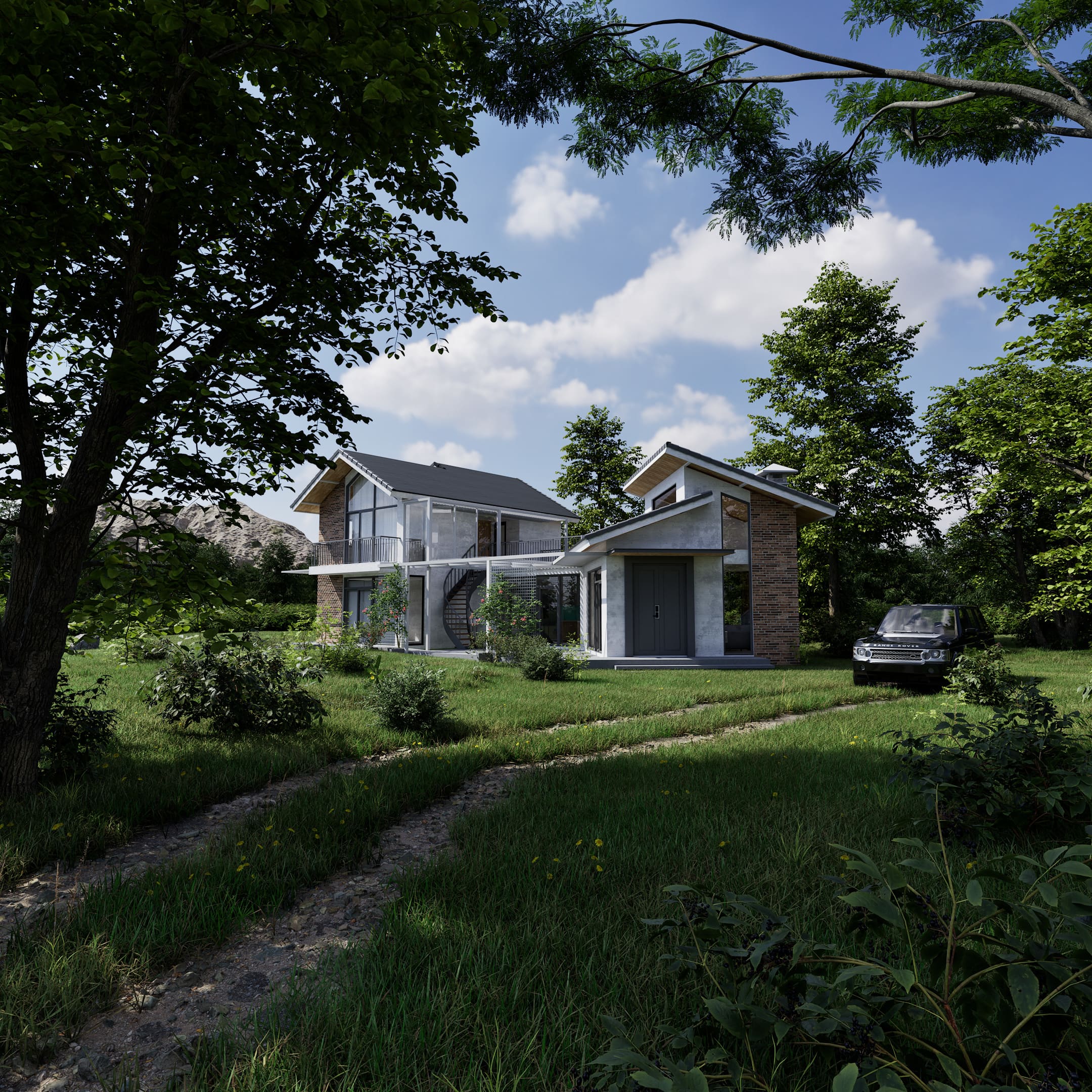
10 HOURS OF LIVE TRAINING 5 interactive sessions with an Authorized Instructor.
LEARN BY DOING Practical demonstrations and real-time Q&A.
LIFETIME RECORDINGS Rewatch every lesson, anytime you want.
What You'll Learn
GET STARTED WITH TWINMOTION Learn how to navigate the interface, import your 3D models, and organize your projects efficiently.
BUILD AND CUSTOMIZE YOUR SCENE Explore the Twinmotion Library, add objects and vegetation, and manage your scene using the Scene Graph.
CREATE REALISTIC MATERIALS AND LIGHTING Learn how to apply and customize materials, work with textures, and set up natural and artificial lighting.
PRODUCE HIGH-QUALITY RENDERS Discover how to set up cameras, adjust rendering settings, and export impressive architectural visualizations.
Your Instructor

Lorenzo Banche | Twinmotion Guru
Authorized Twinmotion Instructor
I'm Lorenzo, the creator of Twinmotion Guru and an Authorized Twinmotion Instructor. Through my YouTube tutorials and online training programs, I've helped thousands of architects, designers, and 3D artists learn Twinmotion and improve their visualization skills. In this live training, I'll guide you step by step through the essential tools and workflows, sharing practical techniques and answering your questions along the way.
Course program
Join this 10-hour live group training course and learn Twinmotion step by step, from importing your first 3D model to creating high-quality architectural renders. The course includes 5 interactive group sessions, practical demonstrations, and the opportunity to ask questions directly to your instructor. Course Dates: December 9, 11, 14, 16 & 18, 2026 Time: 3:00–5:00 PM (CET) | 9:00–11:00 AM (EST) Location: Online via Google Meet Language: English
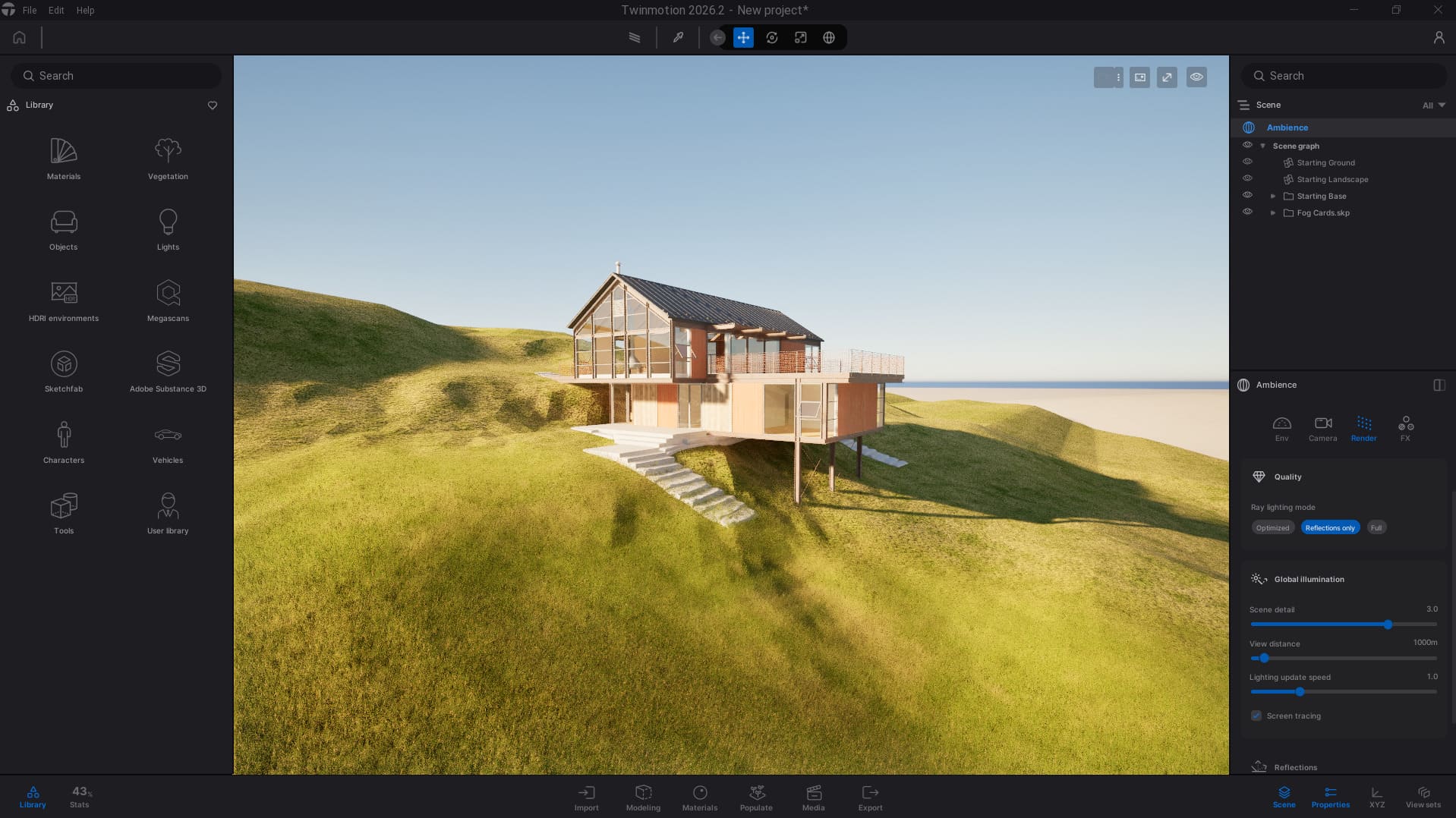
Lesson 1 - Getting Started & Importing
DECEMBER 9 | 3:00–5:00 PM (CET) | 9:00–11:00 AM (EST) Get familiar with the Twinmotion interface and learn how to start your first project. Discover the essential navigation tools, import your 3D models, and understand how to organize your workflow from the very beginning.
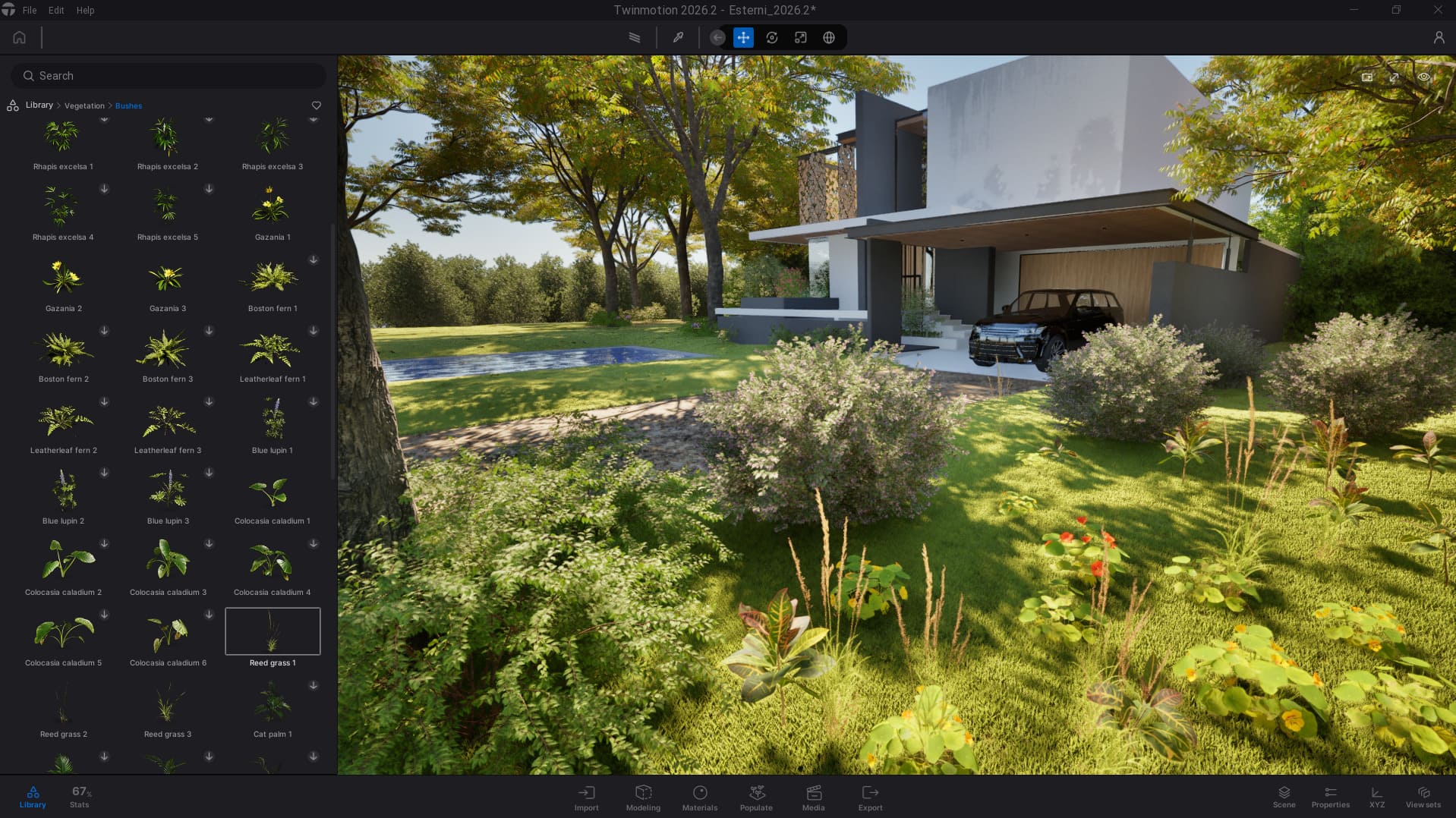
Lesson 2 - Library & Scene Graph
DECEMBER 11 | 3:00–5:00 PM (CET) | 9:00–11:00 AM (EST) Discover how to bring your scenes to life using the Twinmotion Library. Learn how to add and manage objects, furniture, vegetation, and other assets, while keeping your projects organized with the Scene Graph.
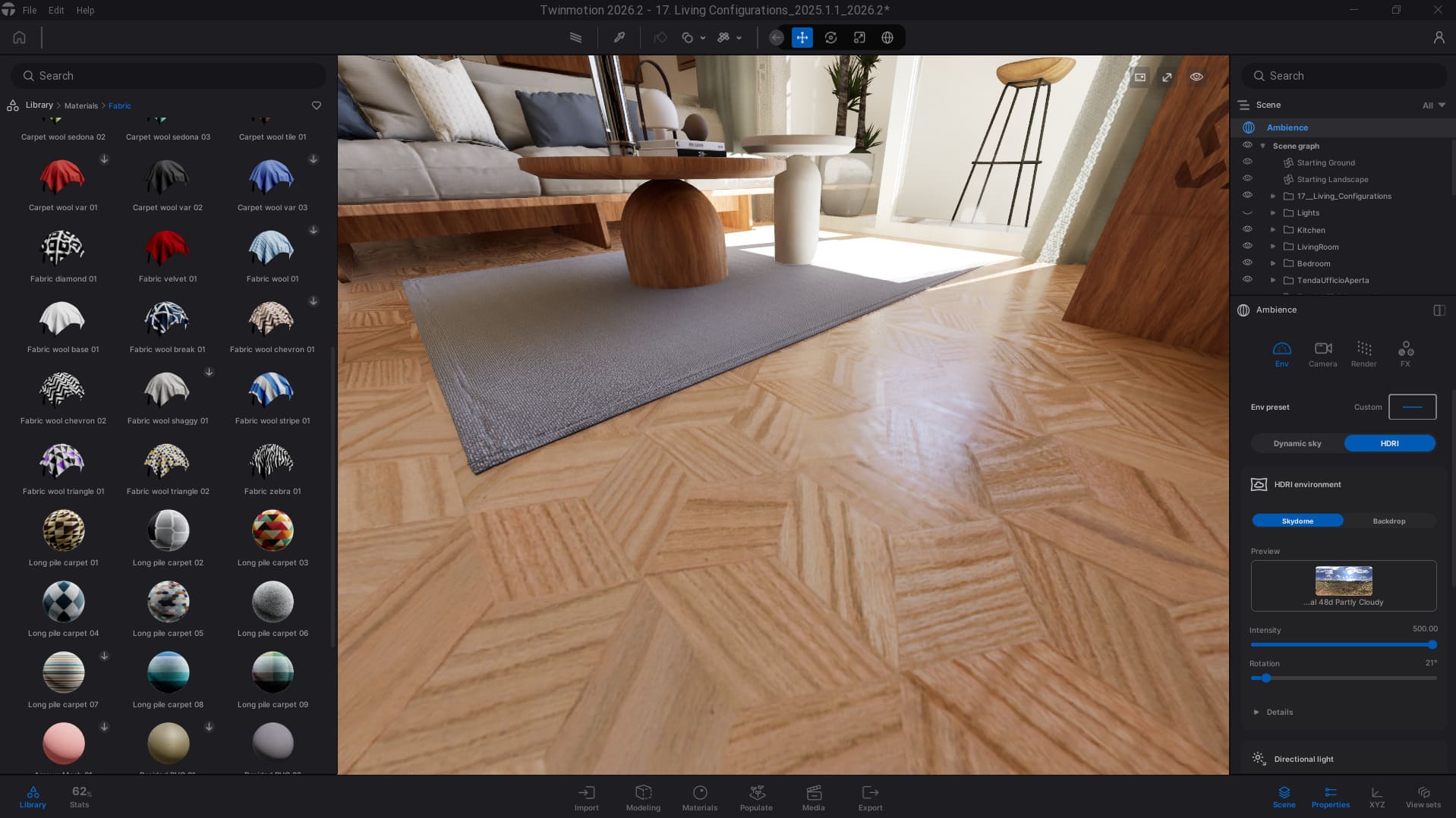
Lesson 3 - Materials
DECEMBER 14 | 3:00–5:00 PM (CET) | 9:00–11:00 AM (EST) Learn how to apply and customize materials to make your scenes more realistic. Explore textures, reflections, roughness, and other essential material properties to achieve the look you want for your architectural projects.
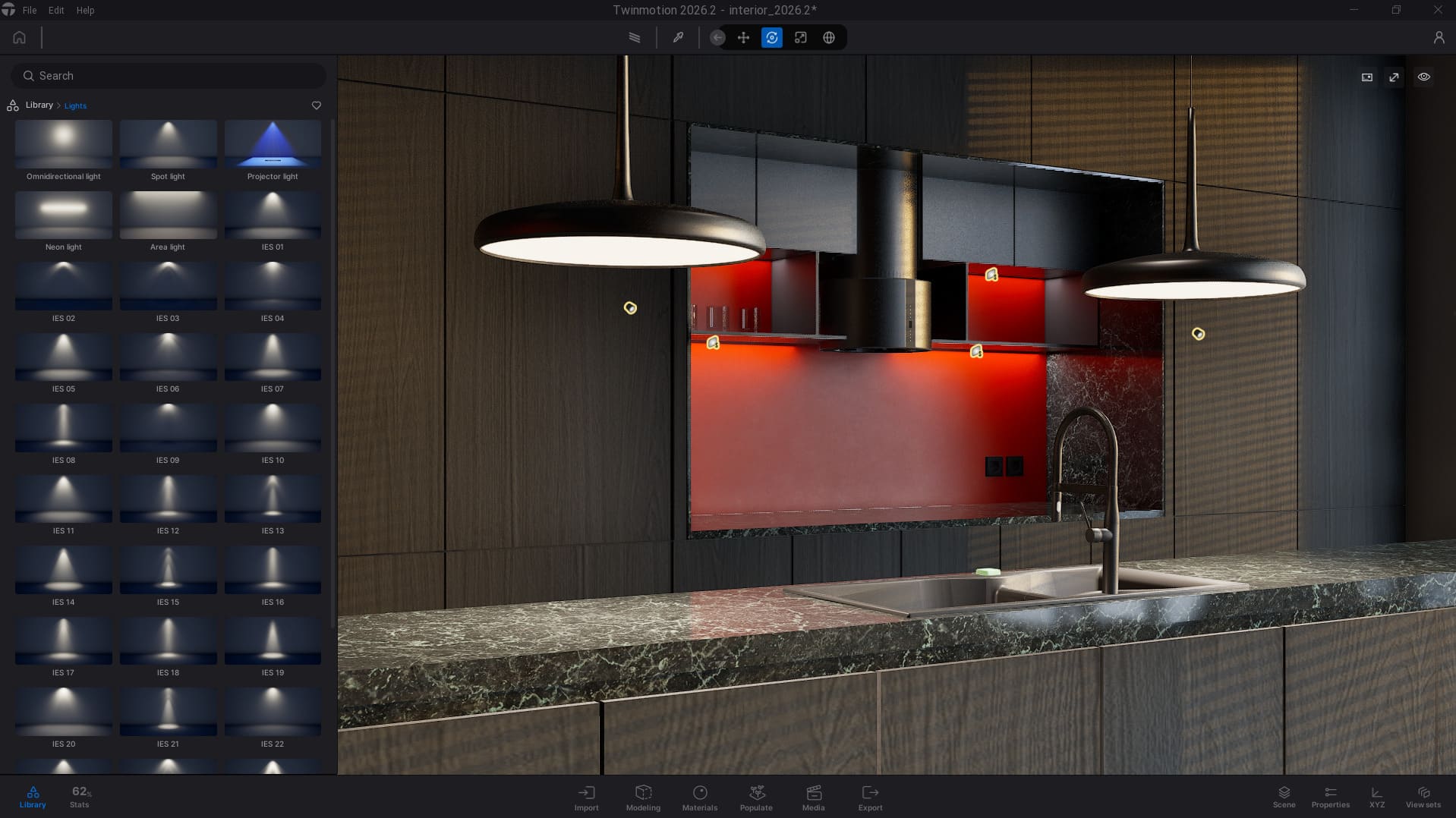
Lesson 4 - Lighting
DECEMBER 16 | 3:00–5:00 PM (CET) | 9:00–11:00 AM (EST) Discover how lighting can transform your architectural visualizations. Learn to control natural and artificial light, adjust the atmosphere of your scenes, and create realistic lighting setups for both interior and exterior projects.
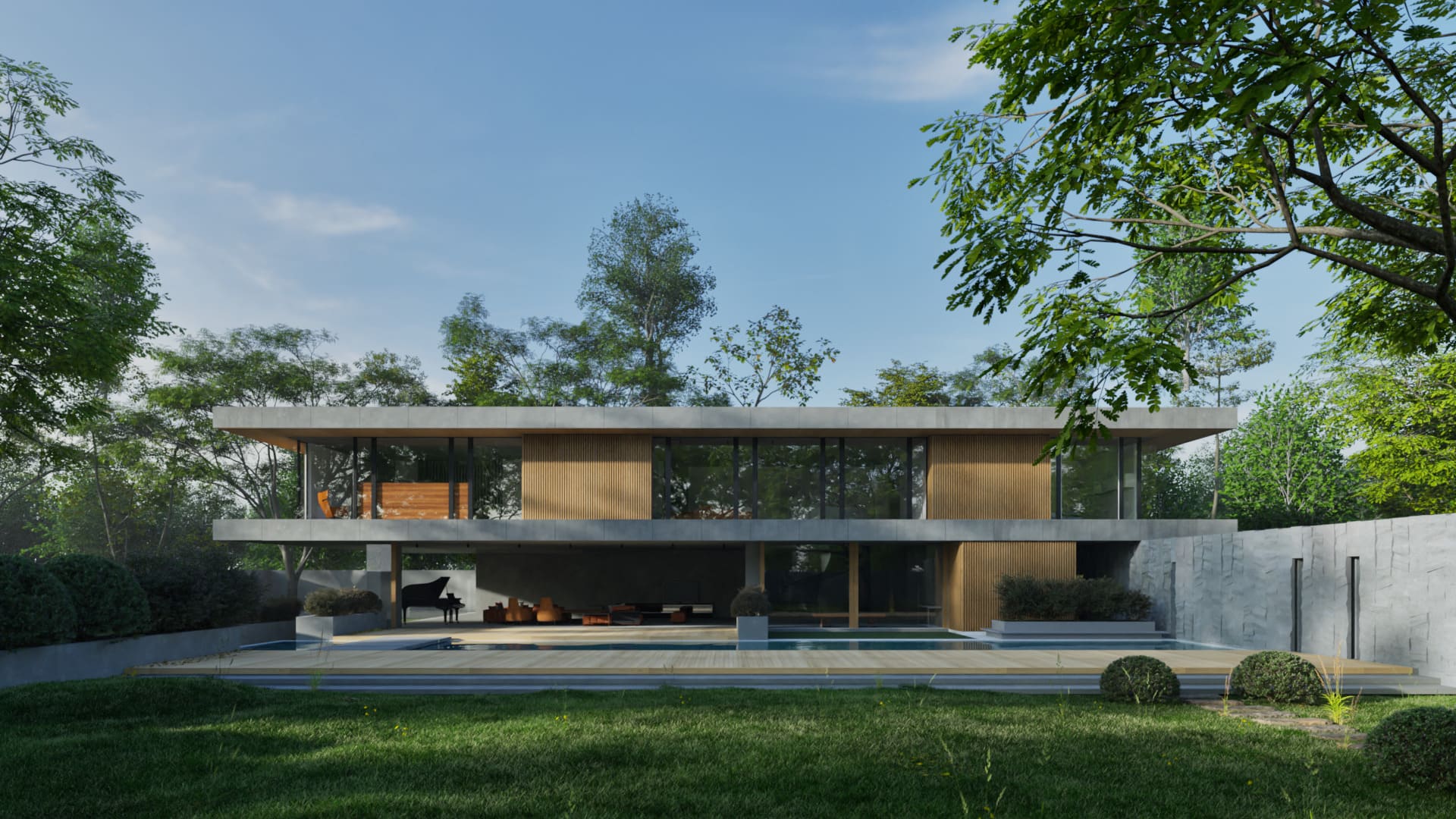
Lesson 5 - Rendering & Export
DECEMBER 18 | 3:00–5:00 PM (CET) | 9:00–11:00 AM (EST) Turn your Twinmotion scenes into high-quality architectural renders. Learn how to set up cameras, adjust visual settings, explore rendering techniques, and export your final images with professional results.
Learn directly from an Authorized Twinmotion Instructor.
Ask questions and get answers during every live session.
Get lifetime access to all 5 lesson recordings.
Ready to Start Your Twinmotion Journey?
Take the first step toward creating impressive architectural visualizations with Twinmotion. Join 5 live, practical sessions, learn directly from an Authorized Instructor, and build your skills with step-by-step guidance. One-time payment of €99, with lifetime access to all lesson recordings.
€99,00